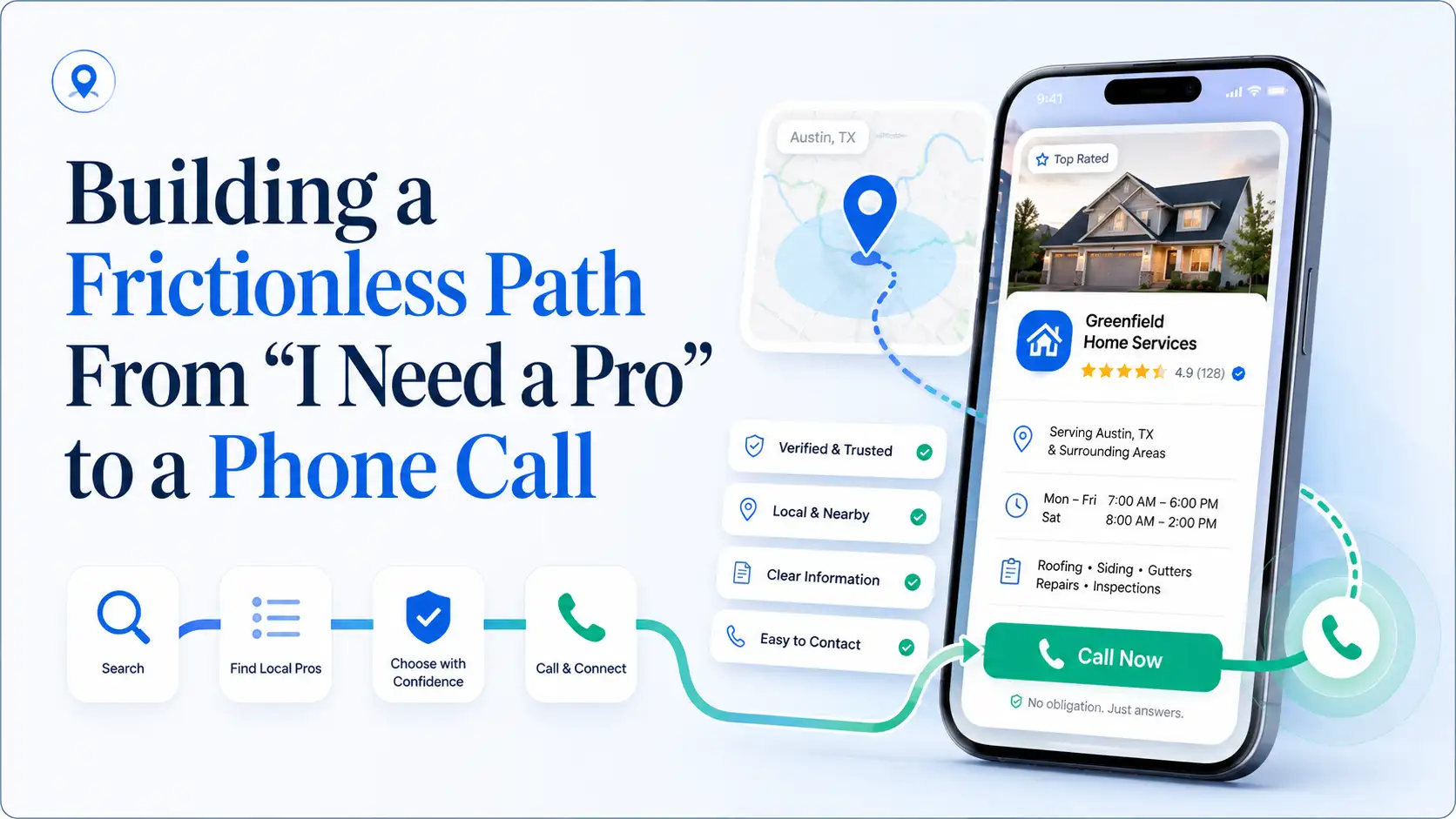
IntroductionThe most frustrating experience for a local service business is a potential client who almost calls but doesn’t. They find you, hover, and then bounce. Usually, it’s because something tiny created friction an unclear service area, missing hours, a vague description. Seek Pro Business is built to strip away that friction so the “I need a pro” moment translates directly into a connection.
The Hidden Friction Points on Most Business ListingsCommon friction includes: business hours that don’t match the time of the search, no clear indication of service radius, and descriptions full of jargon. When a stressed person lands on your profile and can’t immediately answer “Can you help me and are you nearby?”, they leave. On Seek Pro Business, you can explicitly state your service area and ideal client, erasing that doubt instantly.
Designing Your Seek Pro Business Profile for Immediate ClarityStart with a one-sentence, no-jargon statement of what you do and for whom. Example: “I’m a licensed electrician serving the Oak Park area with same-day service for urgent repairs.” Follow with bullet-like brevity in the description fields. Make sure your phone number is a tap-to-call link on mobile. Seek Pro Business structures information for clean display, so use that to your advantage.
How Reduced Friction Increases Conversion RatesI’ve run informal tests with several professional service providers. Those who reduced profile friction by adding a direct call-to-action and clarifying their service area saw up to a 30% increase in calls from directory traffic. It’s not about tricking anyone; it’s about respecting the user’s time and mental load. Seek Pro Business gives you the canvas; your clarity paints the path.
ConclusionEvery second a potential client spends decoding your profile is a second they might give up. Seek Pro Business helps you create a seamless, obvious path from “I need help” to “Hello, I’d like to schedule.” That’s the kind of marketing that feels invisible but works relentlessly.